
Data protection (DSGVO)
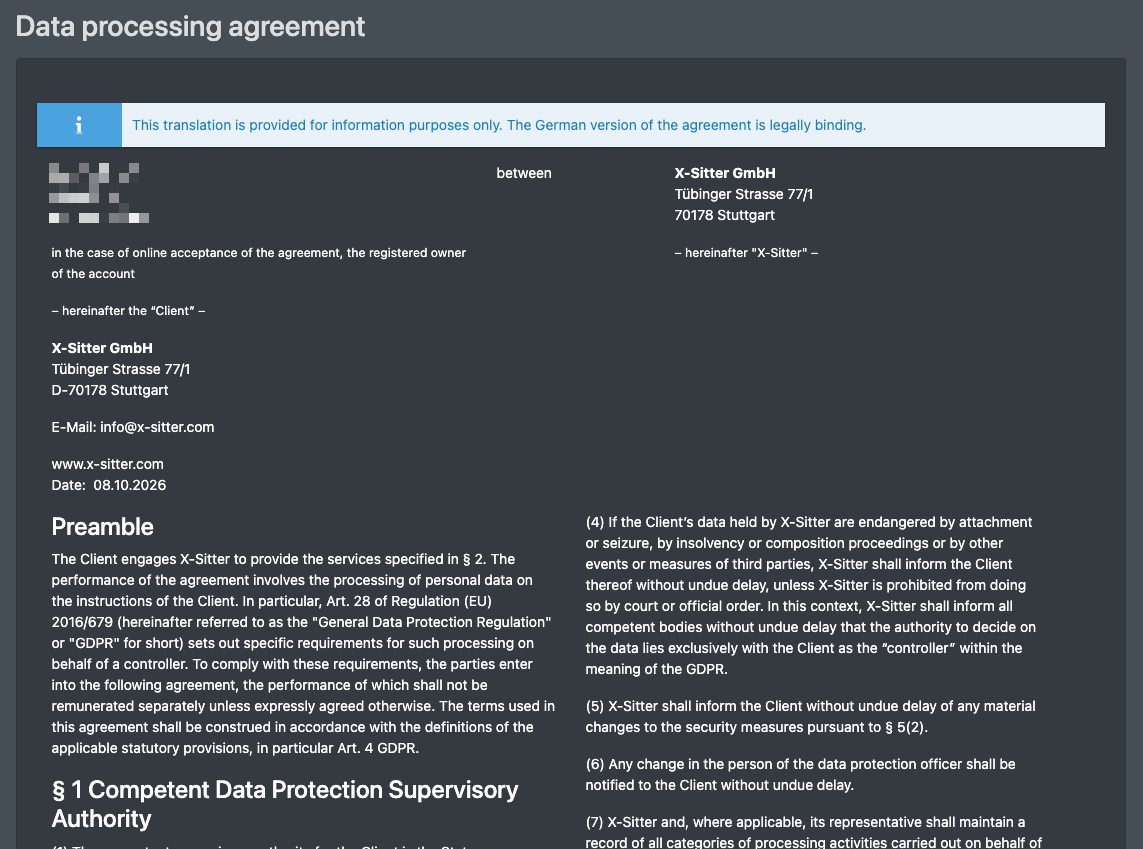
Under DSGVO (the German name of the GDPR) you find the Data processing agreement (Vertrag zur Auftragsverarbeitung) between your company and X-Sitter. It describes how X-Sitter processes personal data on your behalf (Art. 28 GDPR), including the technical and organisational measures and the approved subcontractors. Here you confirm that you have read the agreement, and you can print it at any time afterwards.
Before you start
- You are logged in. No extra permission is needed.
- The agreement is shown in your language. If that is not German, a notice says "This translation is provided for information purposes only. The German version of the agreement is legally binding." (Diese Übersetzung dient nur zur Information. Rechtlich verbindlich ist die deutsche Fassung des Vertrags.)
warning Confirmation can be mandatory
Your administrator can set for your user that the agreement must be confirmed. In that case X-Sitter takes you to this page right after the login, and every other page leads you back here until you have confirmed it.
Step by step
- Click your name in the top right corner, then Settings (Einstellungen), and choose DSGVO in the menu on the left. If confirming is mandatory for you, the page opens automatically after the login.
- Read the agreement including its annexes.
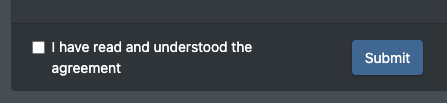
- At the bottom of the page, tick Contract read and understood (Vertrag gelesen und verstanden).
- Click Submit (Absenden).
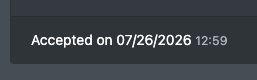
- X-Sitter confirms with The acknowledgement was saved on … (Die Kenntnisnahme wurde am … gespeichert). From now on, the bottom of the page shows Accepted on (Akzeptiert am) with the date.
Print the agreement
Once the agreement has been accepted, a Print (Drucken) button appears at the top of the page. It opens your browser's print dialog; there you can also save the agreement as a PDF.
Good to know
- The confirmation is saved with date and time for your user and for your company.
- The agreement is created electronically and is valid without a signature.
- The company address at the top of the agreement is taken from your company data. If it is wrong, ask your administrator to correct the company data.