
Storage groups
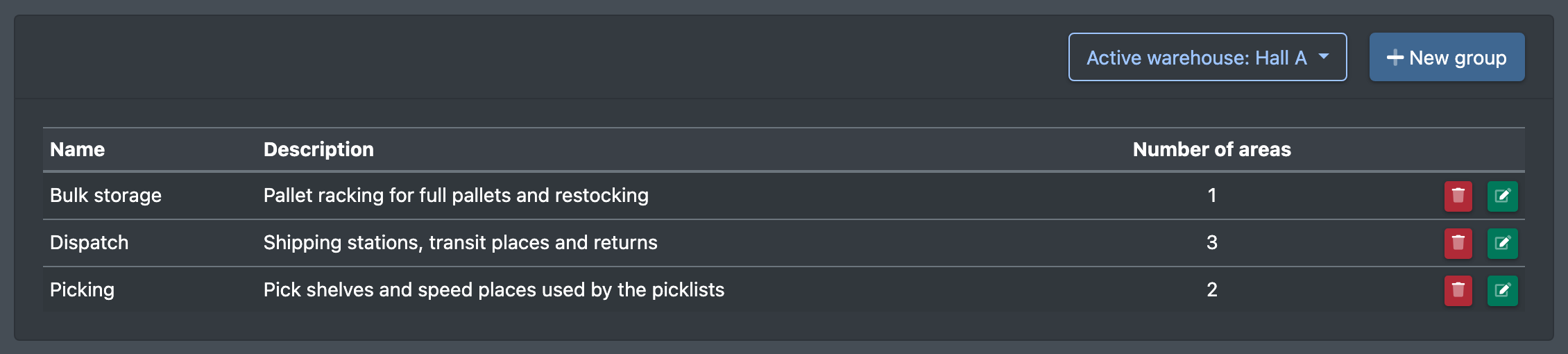
Combine several storage areas of a warehouse into a group and use it as a filter, e.g. in restocking.
A storage group combines several storage areas of a warehouse. Groups are used as filters, for example in restocking: if you select a group instead of single areas, all areas of this group apply.
Before you start
- The current warehouse has storage areas – see Storage areas.
- Your user needs the permission Storage groups (Lagergruppen) and, depending on the task, create, edit or delete – ask your administrator.
Step by step
- Open WMS › Warehouse › Storage groups (WMS › Lager › Lagergruppen).
- Click New group (Neue Gruppe).
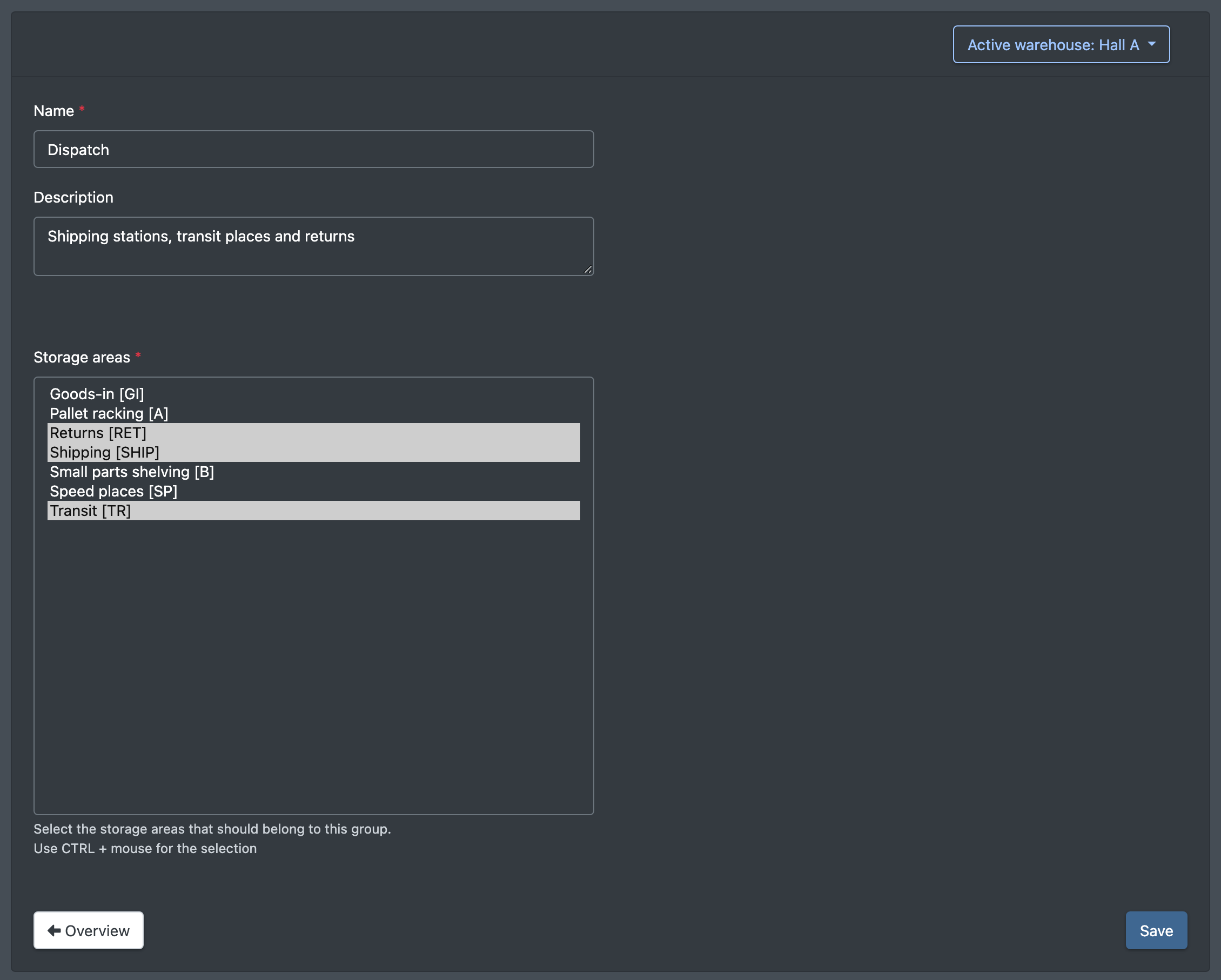
- Enter a Name (Name) and, if you like, a Description (Beschreibung).
- Under Storage areas (Lagerbereiche) select the areas that belong to the group. Hold down Ctrl (Cmd on a Mac) to select several areas ("Use CTRL + mouse for the selection", Benutze STRG + Maus für die Auswahl).
- Click Save (Speichern). You see "Storage group was created" (Lagergruppe wurde angelegt) or, when editing, "Storage group was updated" (Lagergruppe wurde ge-updated).
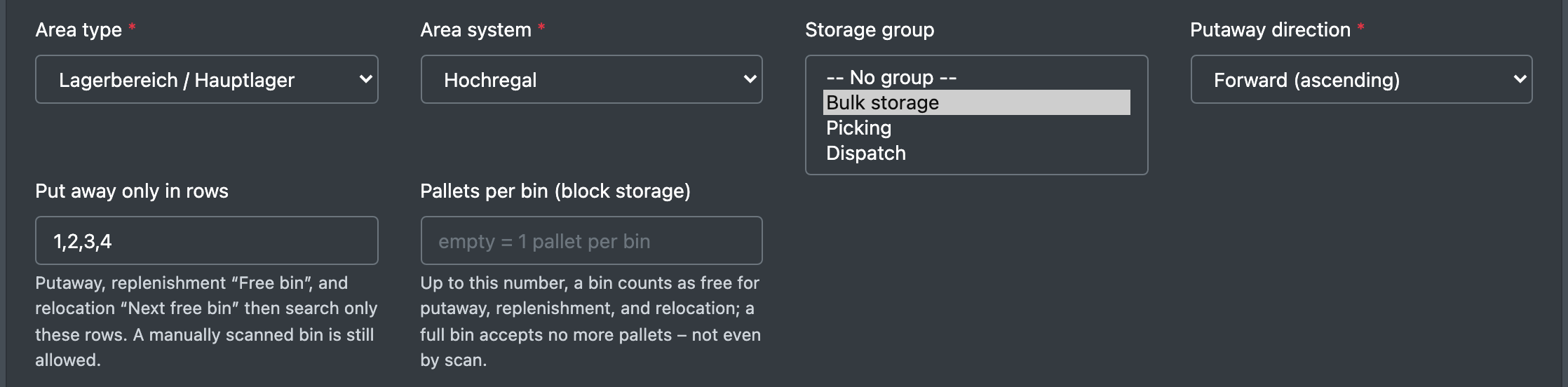
You can also set the group directly in a storage area, in the field Storage group (Lagergruppe).
Fields and options
Where groups are used
- In restocking, to limit the areas from which goods are taken.