
Billing & package
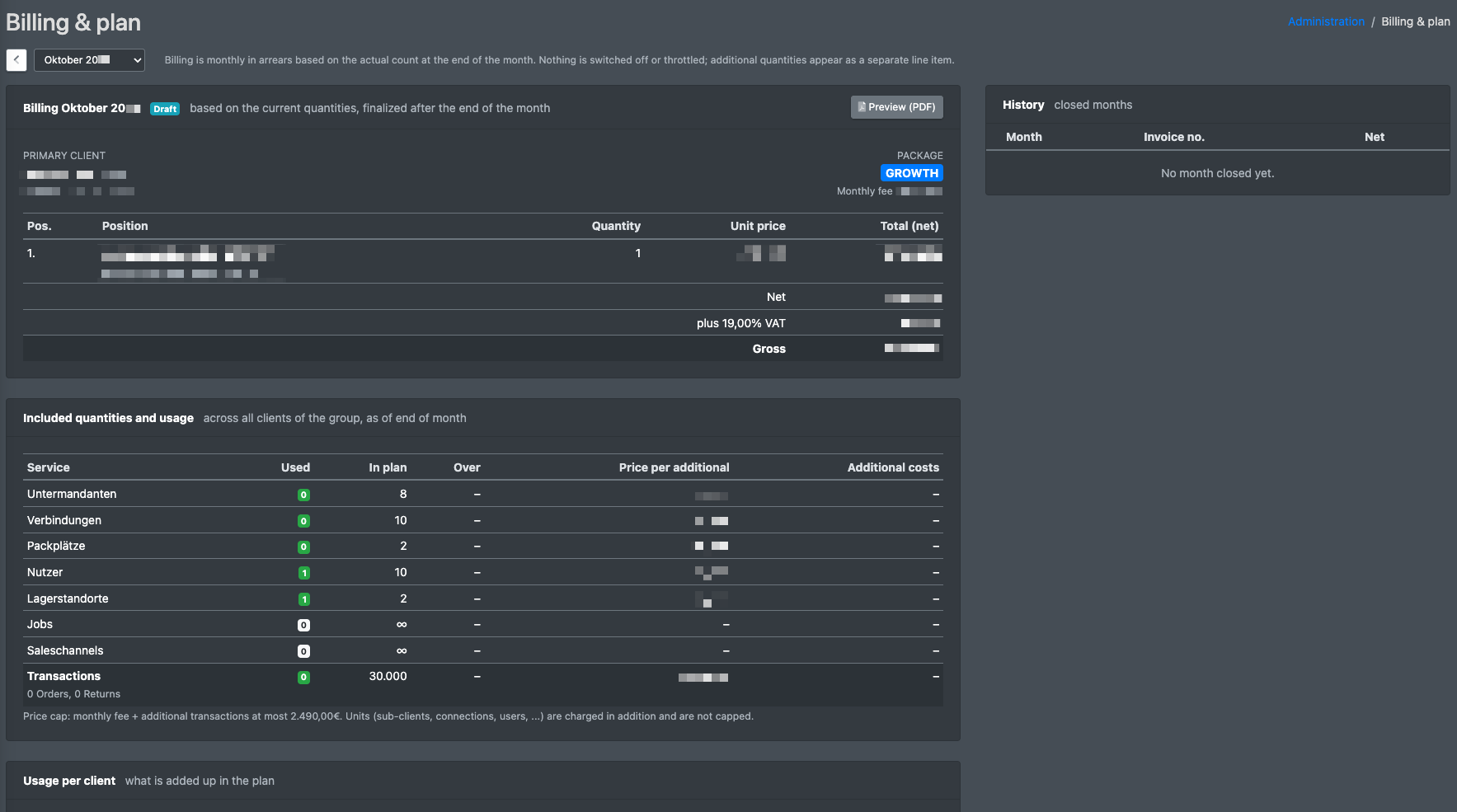
As the main tenant (logistician or agency) you see the billing of your X-Sitter package here in detail: the monthly fee, the included quantities, what goes beyond them and which client uses how many connections, users, packing stations, warehouse locations, jobs, sales channels and transactions. Closed months are listed in the history with their invoice PDF.
Billing is done monthly in arrears, based on the actual numbers at the end of the month. Additional quantities appear as a separate item on the invoice.
Before you start
- Your user needs the permission Billing & package in the Administration area of the permissions tree. It is not granted automatically – ask your administrator, or contact X-Sitter support if nobody in your company has it.
- Your company is a main tenant with an active package. Clients have no package of their own – their usage counts towards the package of their logistician.
Step by step
- Open Administration › Billing & package (Administration › Abrechnung & Paket).
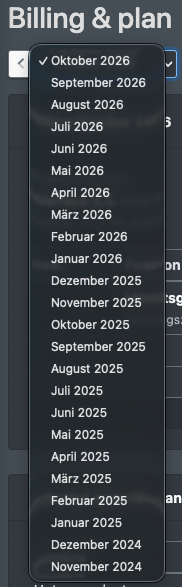
- Choose the month: use the arrows for Previous month (Vormonat) and Next month (Folgemonat) or pick it from the list. You can choose any month since your company was created at X-Sitter.
- Read the cards described below.
- Download the invoice of the selected month with Invoice (PDF) (Rechnung (PDF)), or a Preview (PDF) (Vorschau (PDF)) for the current month.
What the page shows
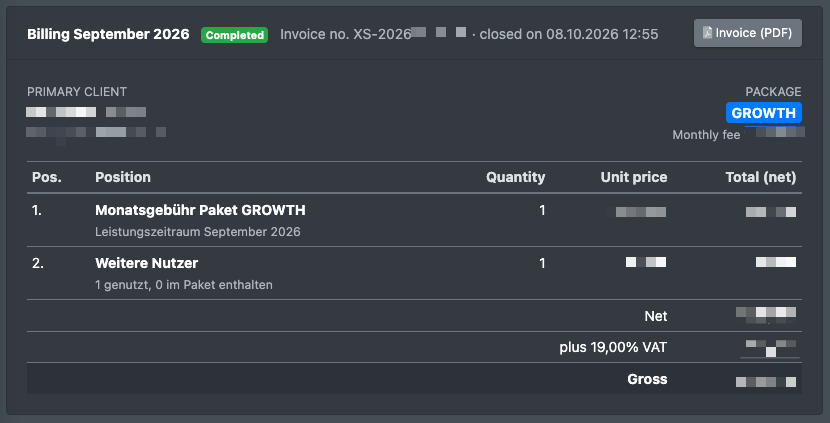
Billing card
The card Billing <month> (Abrechnung <Monat>) shows the invoice of the month:
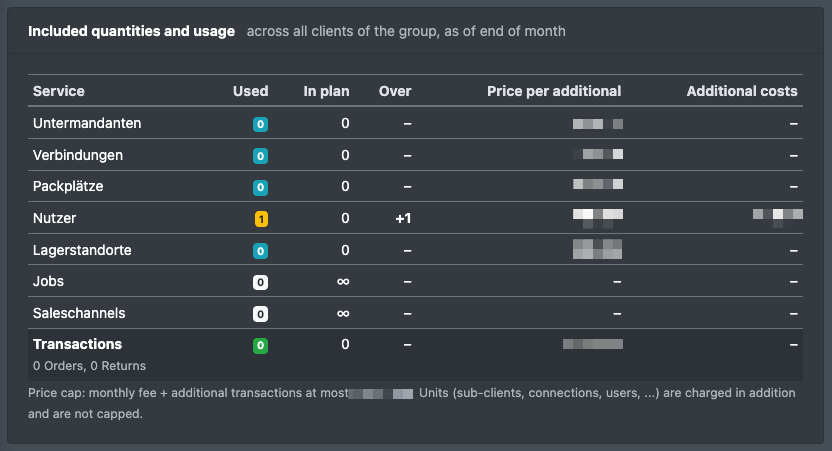
The price cap only covers the monthly fee and additional transactions. Additional units (clients, connections, users, …) are charged on top and are not capped.
Included quantities and usage
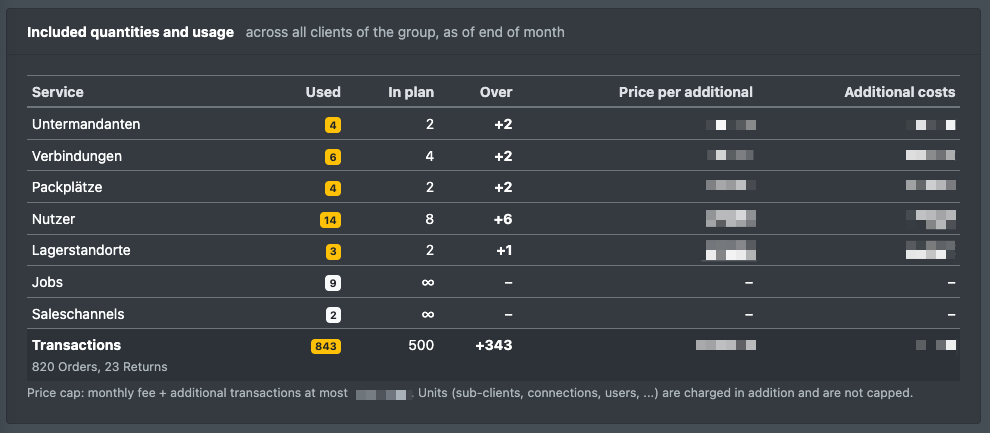
The card Included quantities and usage (Inklusive Mengen und Nutzung) shows for each service:
Transactions are orders plus returns.
Usage per client
The card Usage per client (Nutzung je Mandant) has one row per company of your group – your own company (main tenant, in bold) and every client – with its units and transactions. This shows you which client causes which costs, for example as a basis for your own client billing.
History
On the right, the History (Historie) lists all closed months with invoice number and net amount. Invoice as PDF (Rechnung als PDF) downloads the invoice of that month. A month with an active price cap is marked with an icon.
Statuses
This page is read-only: you cannot change anything here.