
Dropship sender addresses
Store different sender addresses and use them for orders shipped in the name of another company.
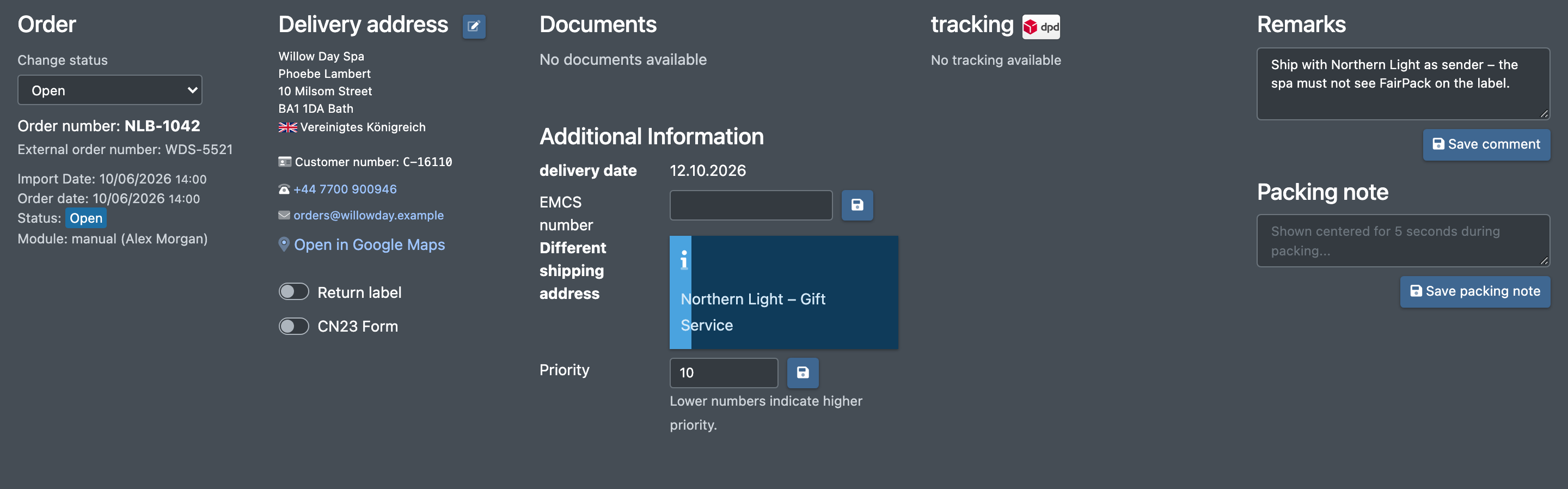
For drop shipping you can give an order a different sender address – the parcel is then shipped in the name of another company instead of your own. The sender addresses are saved for your company and can be chosen again for every new order. In the order details the chosen address is shown as Different shipping address (Abweichende Versandadresse).
Before you start
- Your user needs the permission to set a dropship address. Without it the button is not shown. Ask your administrator.
- You are creating or editing an order. See Create or edit an order.
Step by step
Choose an existing sender address
- Open Orders › New order (Aufträge › Neuer Auftrag) or edit an order.
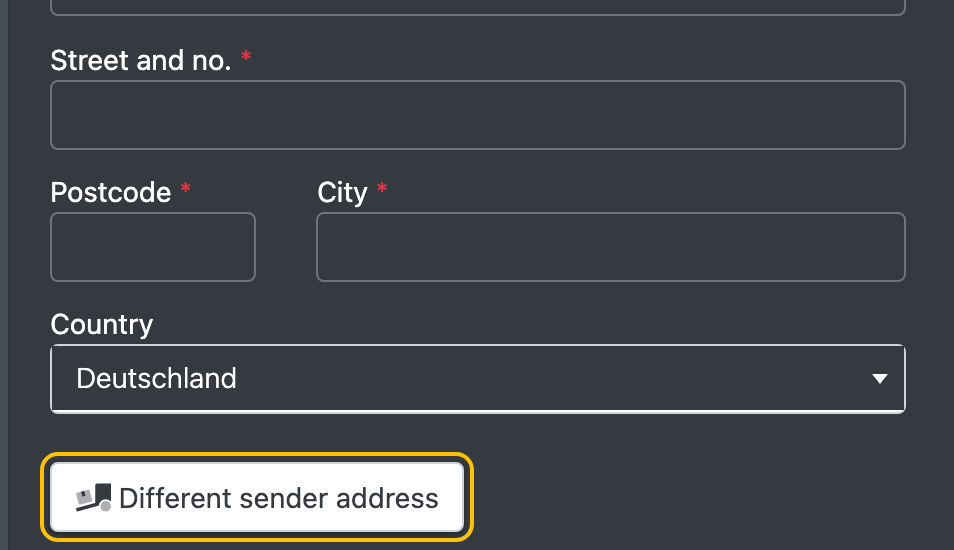
- Click Different sender address (Abweichende Absender-Adresse).
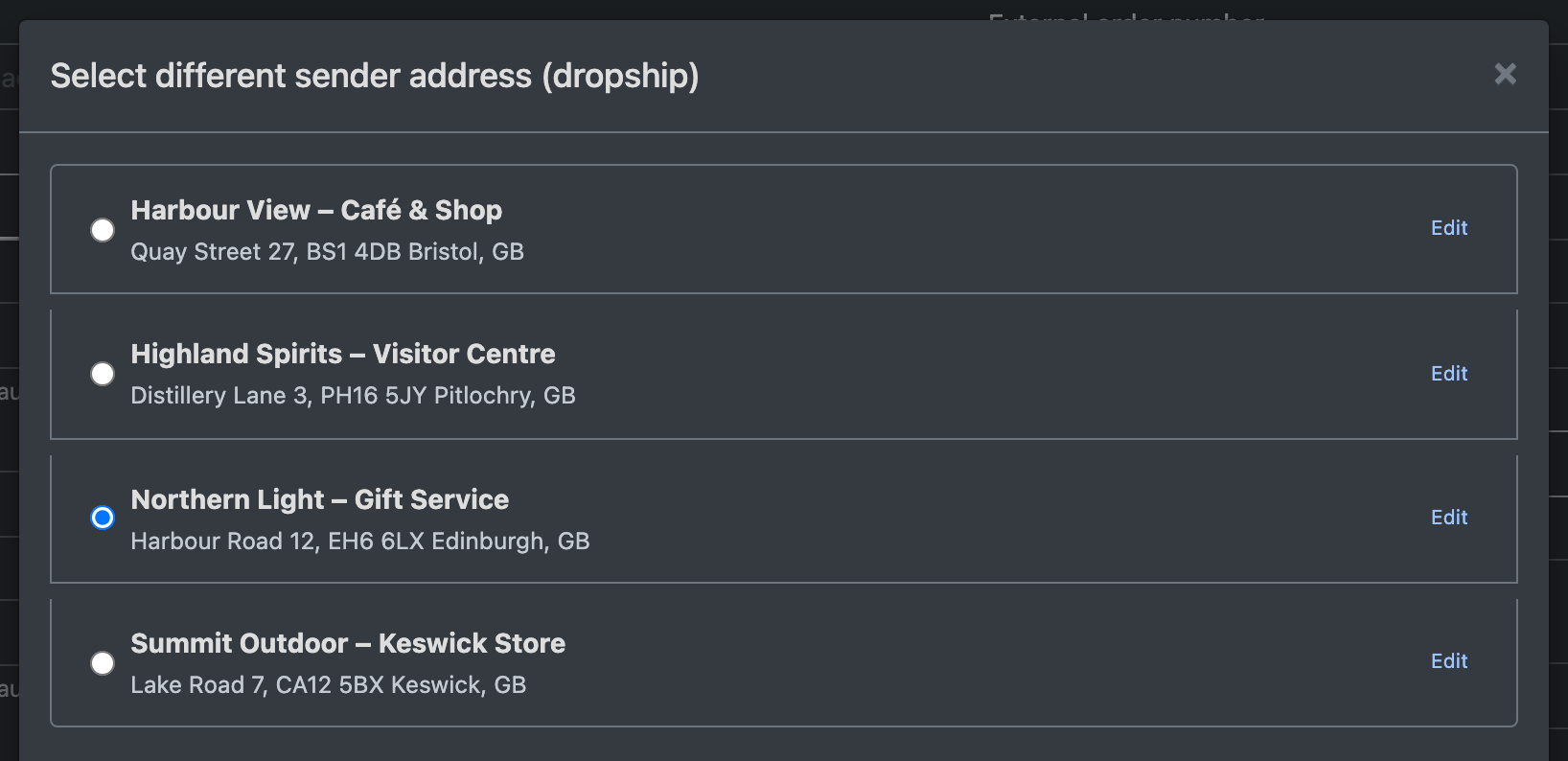
- In the dialog Select different sender address (dropship) (Abweichende Absender-Adresse (Dropship) wählen) choose an address.
- Click Apply selection (Auswahl übernehmen).
- Save the order with Save Order (Auftrag Speichern).
Add a new sender address
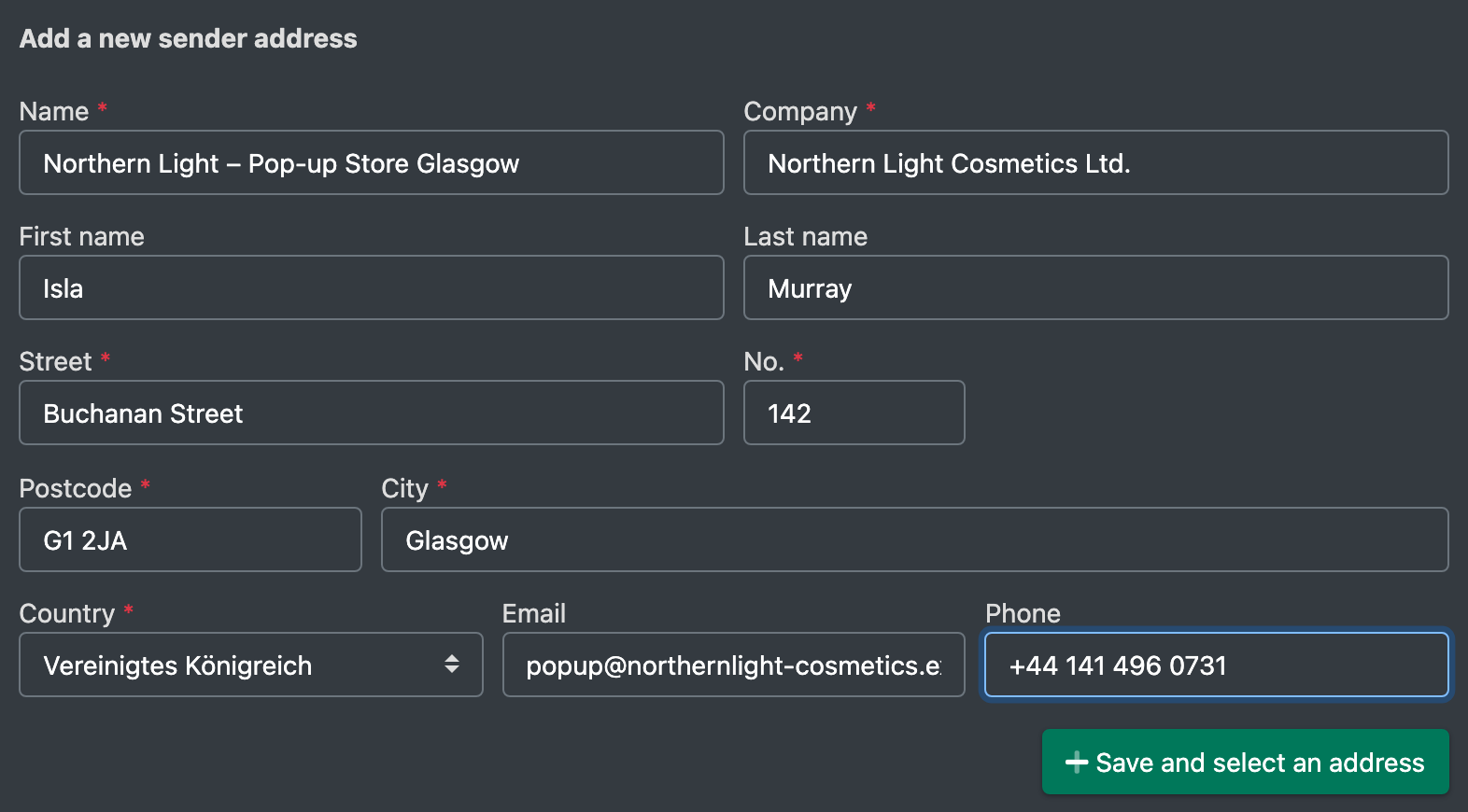
- In the dialog click Add a new sender address (Neue Absender-Adresse hinzufügen).
- Fill in the fields (see table below).
- Click Save and select an address (Adresse speichern und auswählen). The address is saved and selected for the order.
- Save the order.
Edit a sender address
In the dialog click Edit (Bearbeiten) next to an address, change the data and save it. You can only edit addresses of your own company.
Fields and options
Good to know / Troubleshooting
When you duplicate an order, the sender address is copied as well.