
Shipping labels
Find every shipping label created by X-Sitter by reference or tracking number, with carrier, price and label PDF.
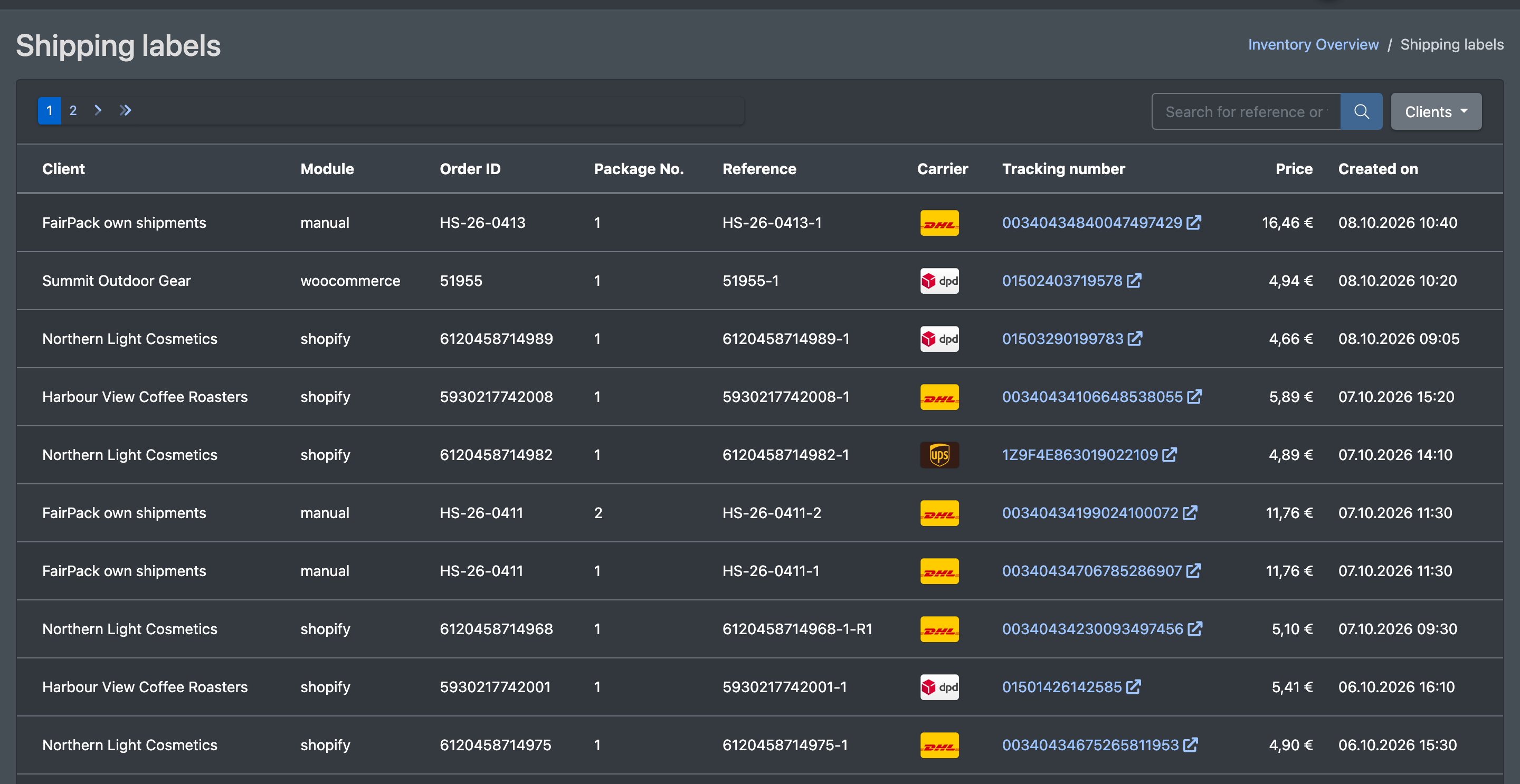
The shipping labels overview lists all shipping labels of your company, newest first – for example the parcel labels created when packing. Use it to find the label, carrier, price and label PDF for a reference or tracking number, e.g. when a customer asks about a parcel or a label needs to be reprinted.
Before you start
- Your user needs the permissions Storage (Lager) and Shipping labels (Versandlabels) – ask your administrator.
- Labels are created when packing is finished at the packing table – see Packing.
Step by step
- Open WMS › Storage › Shipping labels (WMS › Lager › Versandlabels).
- Search with Search for reference or tracking number (Referenz oder Tracking-Nr. suchen).
- Optionally filter by client with Clients (Mandanten). Display all (Alle anzeigen) resets the filter.
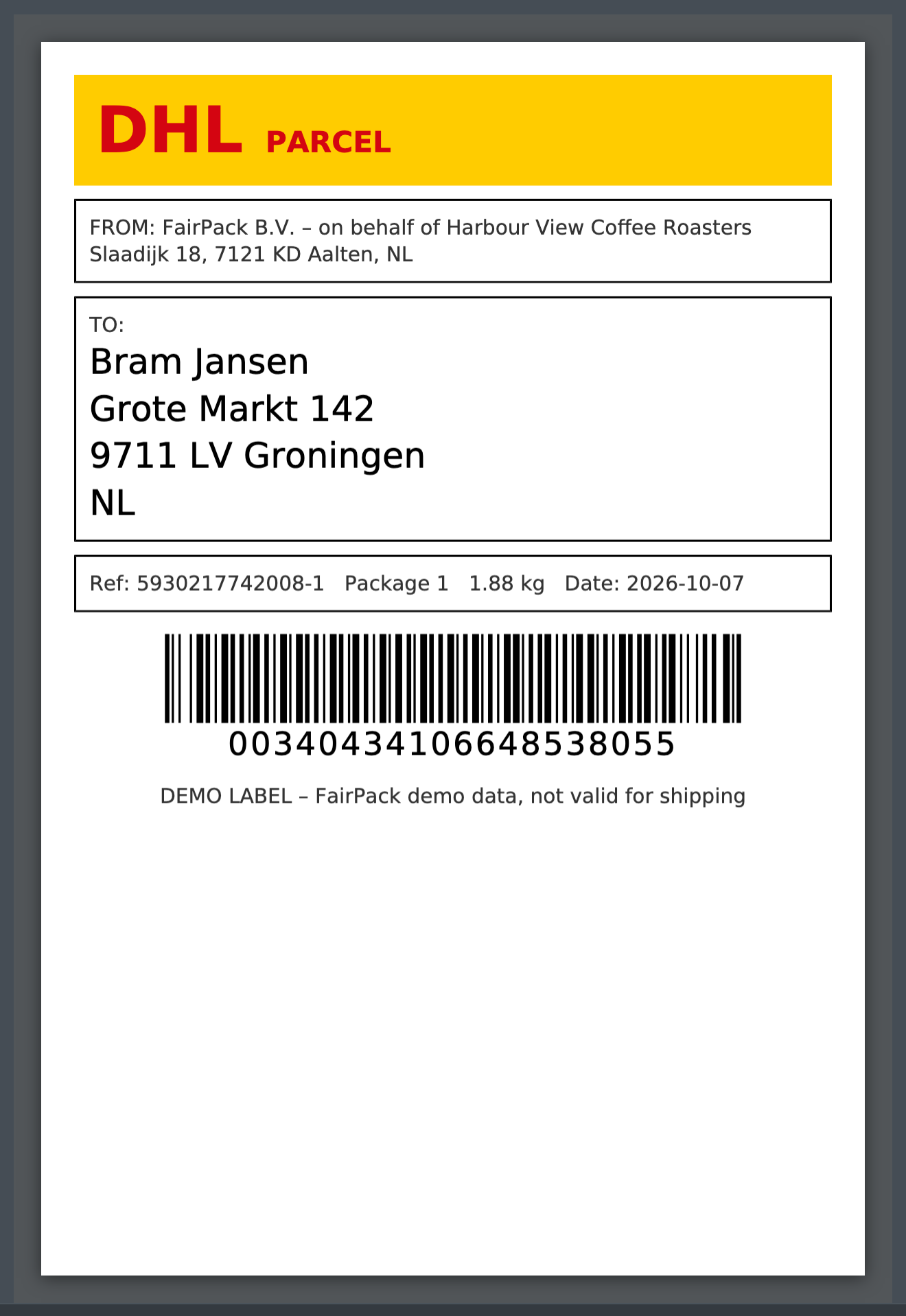
- Open the label you need in the table to view its PDF.

Columns
Good to know
- This page is view-only – nothing is changed here.
- Tracking numbers and tracking links of an order are also shown in the order – see Packages and tracking and Shipment tracking.
- Which shipping provider is used is defined in Shipping providers.