
Freight carriers
Set up the shipping methods of a warehouse (parcel service, freight forwarder, own delivery) for the packing station and loading.
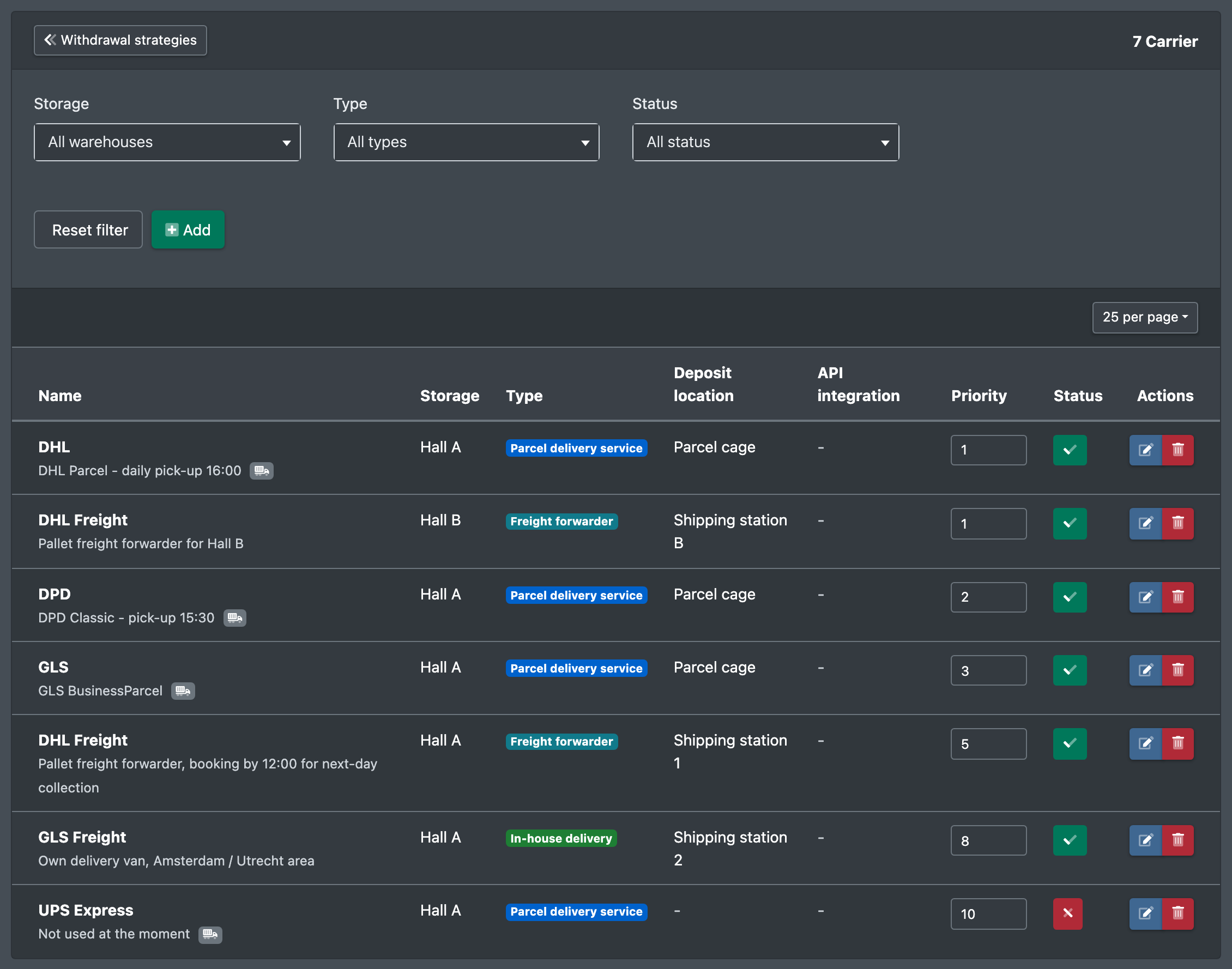
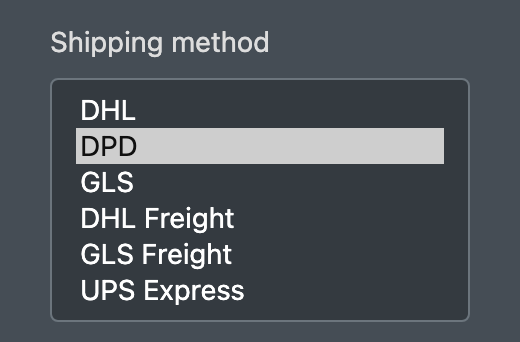
Freight carriers (Frachtführer) are the shipping methods of a warehouse, for example DHL, DPD, a freight forwarder or your own delivery. At the packing station they are offered as Shipping method (Versandart). Their type decides whether a parcel label is created, and their default carton is preselected when packing. In the loading, the shipping method is chosen per position.
Without a freight carrier in the warehouse, there is no shipping method to choose at the packing station.
Before you start
- Your user needs the permission for Freight carriers (Frachtführer) and, to create, edit or delete, the matching permissions – ask your administrator.
- Optional: a deposit location in the same warehouse.
- Optional: a carton of the same warehouse – see Storage aid types.
Step by step
- Open WMS › Warehouse › Freight carriers (WMS › Lager › Frachtführer).
- Click Create new freight carrier (Neuen Frachtführer anlegen).
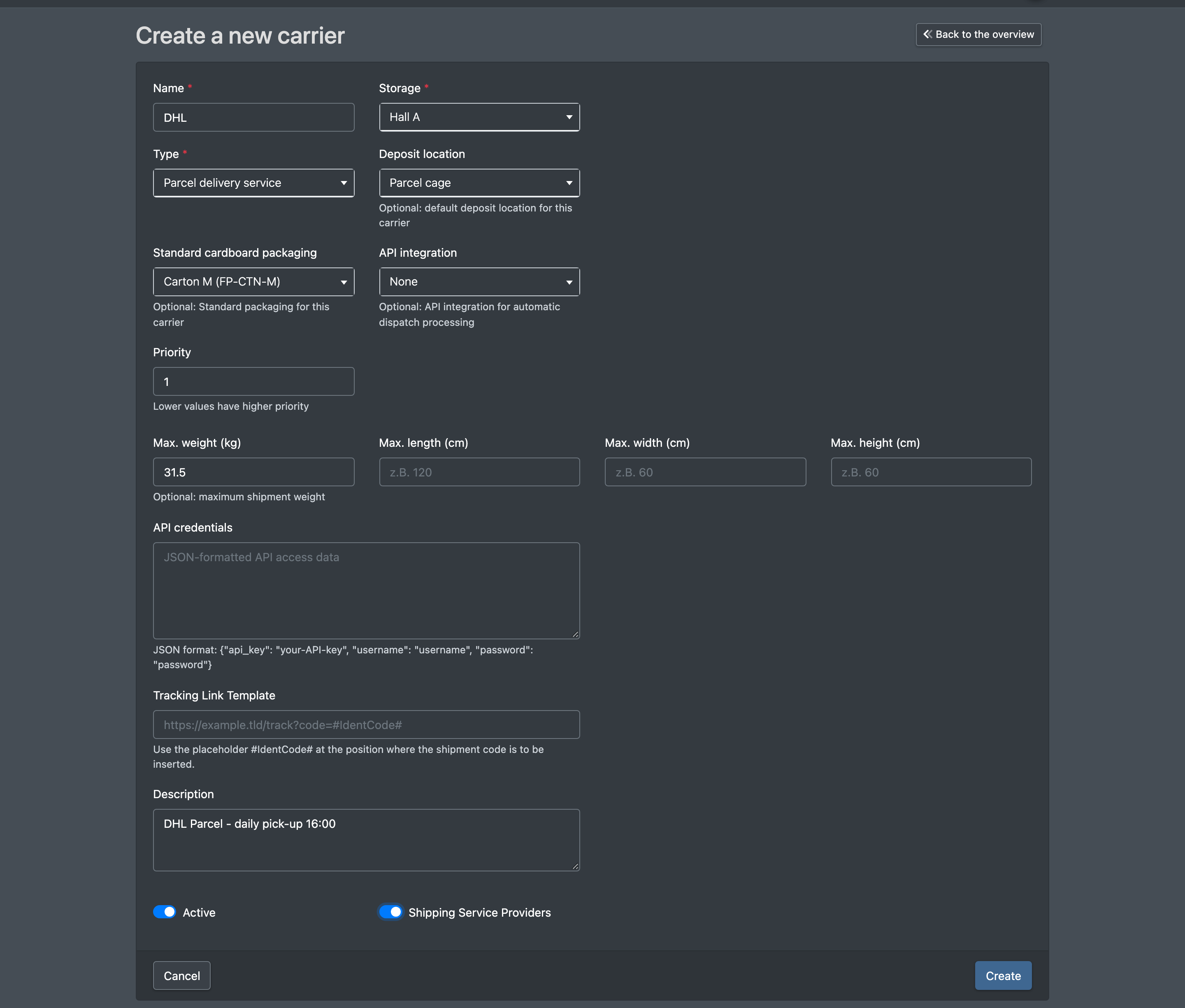
- Enter the Name (Name), choose the Warehouse (Lager) and the Type (Typ).
- Optional: Deposit location (Ablageort), Default carton (Standard-Kartonage), Priority (Priorität), maximum weight and dimensions and a Description (Beschreibung).
- Leave Shipping service provider (Versanddienstleister) switched on if a parcel label is to be created for this method.
- Tick Active (Aktiv) and click Save (Speichern). You see "Freight carrier successfully created." (Frachtführer erfolgreich erstellt.)
Fields and options
Which label interface (e.g. DHL, DPD, GLS or ShipCloud) is actually used for a label is decided by the shipping rules of the logistician per client and carrier. Without a matching rule, ShipCloud is used. See Shipping providers.
Where freight carriers are used
- Packing station: selection of the shipping method, preselection of the carton, label creation – see Packing.
- Loading: shipping method and tracking per position – see Loading.
- Picklist templates: filter by shipping methods – see Picklist templates.