
Marketplace orders
How orders from your booked marketplace channels arrive in X-Sitter and how shipping, cancellations and returns are reported back automatically.
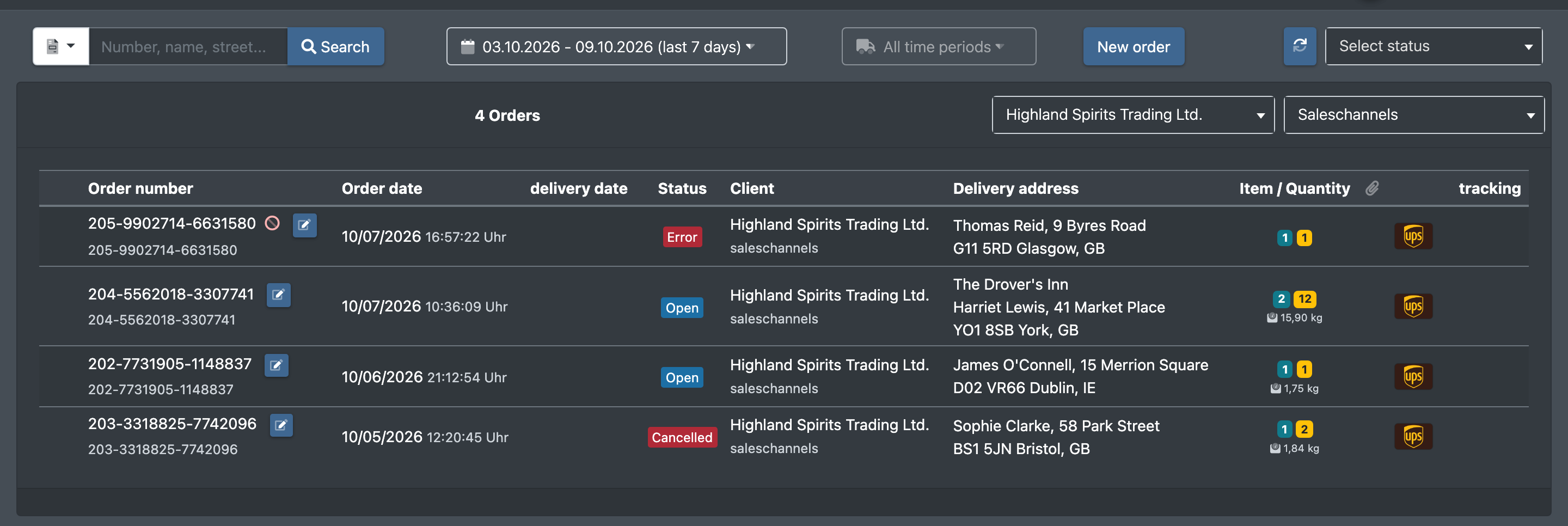
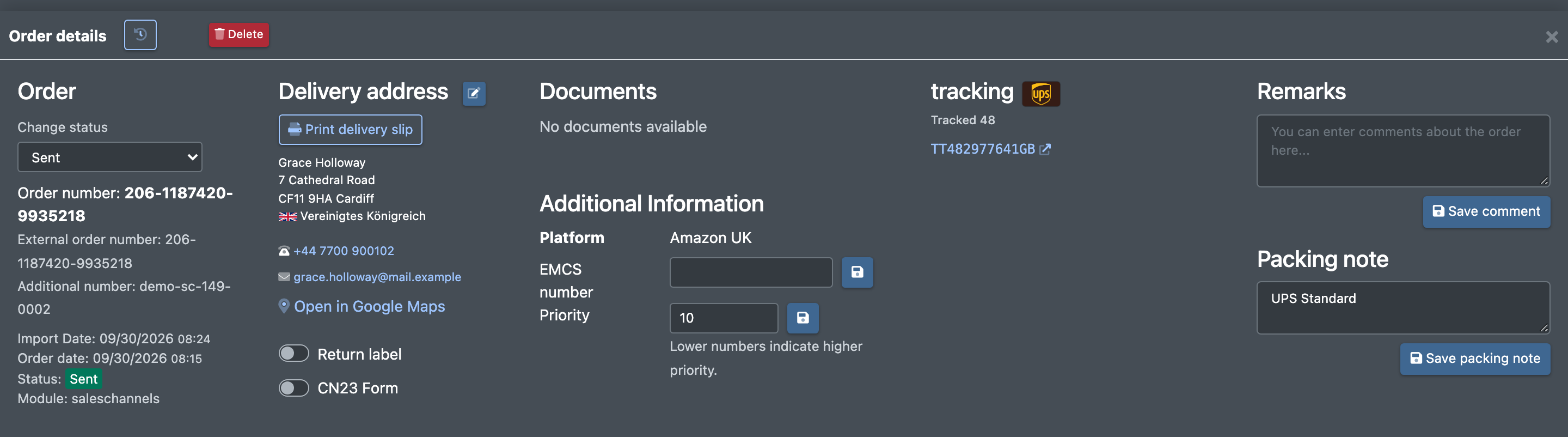
When you sell on marketplaces through X-Sitter's sales channels, the marketplace orders arrive in X-Sitter automatically as normal orders. The order shows the name of the channel as its platform. Everything that happens afterwards in the warehouse is reported back to the marketplace automatically as well: shipping with tracking numbers, cancellations by the warehouse, short deliveries and checked returns.
You do not have to start anything by hand – both directions run every 10 minutes.
Before you start
- Sales channels are activated for your company. Contact X-Sitter support to activate them.
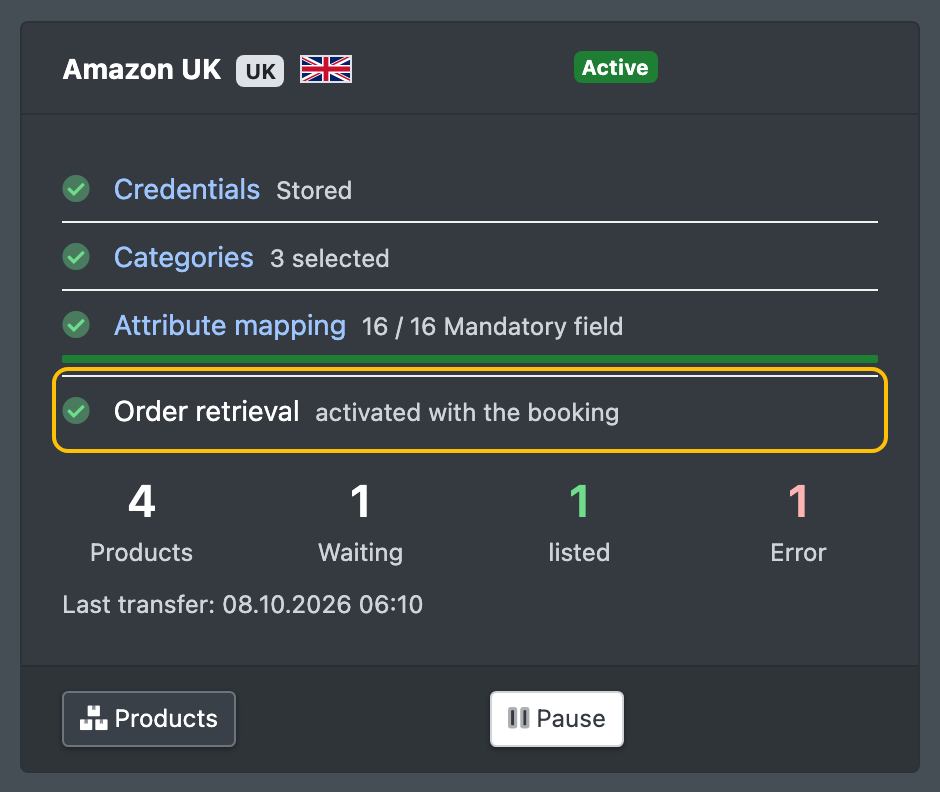
- The channel is booked under Book channels (Kanäle buchen), set up and active under My channels (Meine Kanäle). With the booking, the order retrieval is switched on automatically. See Set up sales channels.
- Your articles are known in the warehouse with the item number (or the GTIN/EAN) the marketplace sends.
How orders arrive
Every 10 minutes, X-Sitter fetches new orders from all your active channels.
More about the statuses: Order statuses.
What is reported back to the marketplace
Every 10 minutes, X-Sitter sends all open feedback to the marketplace in one report:
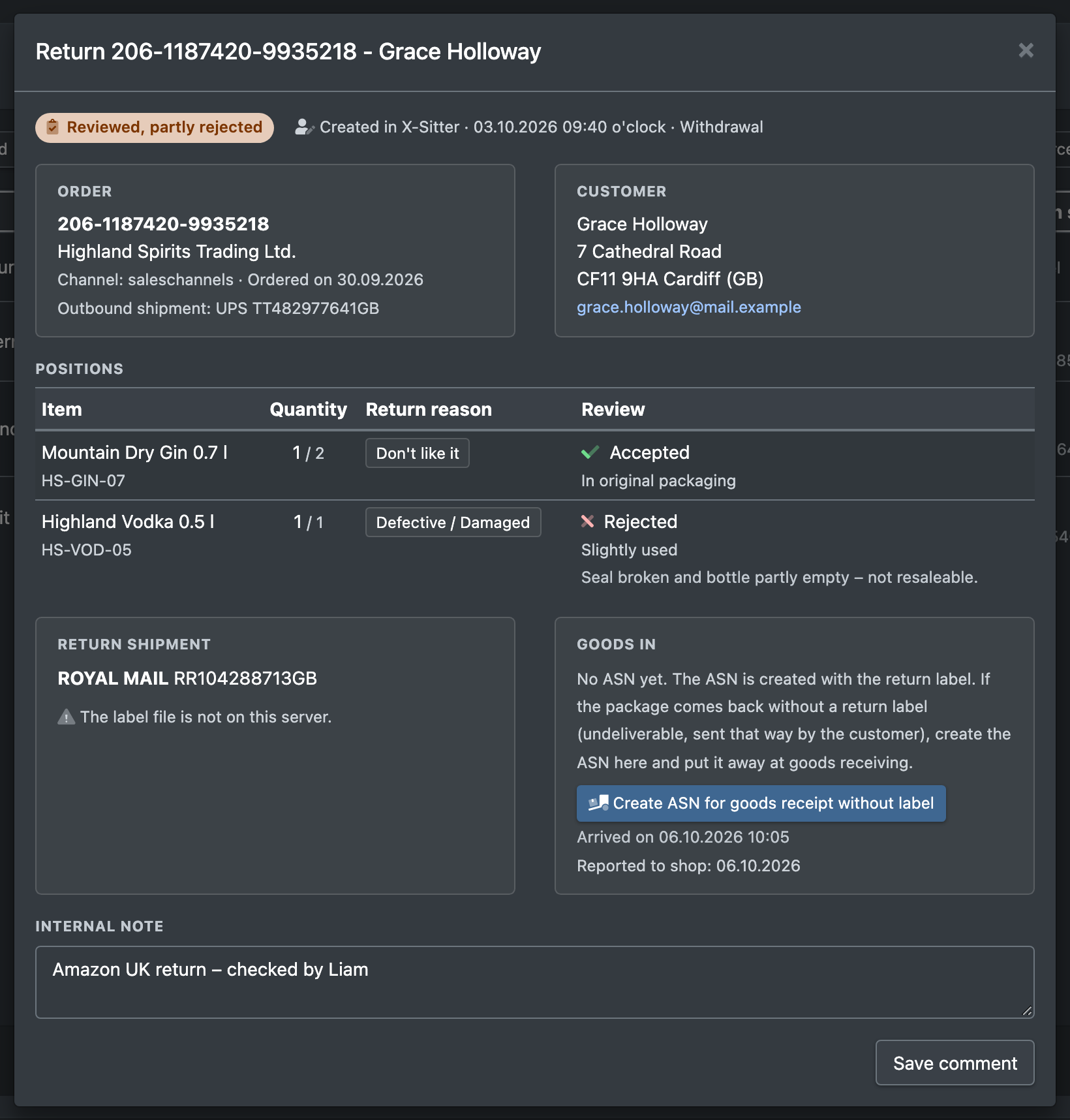
- Rejected return items are not reported as returned. A return that only has rejected items is closed without a report.
- A partial delivery is reported only once the order is sent or cancelled.
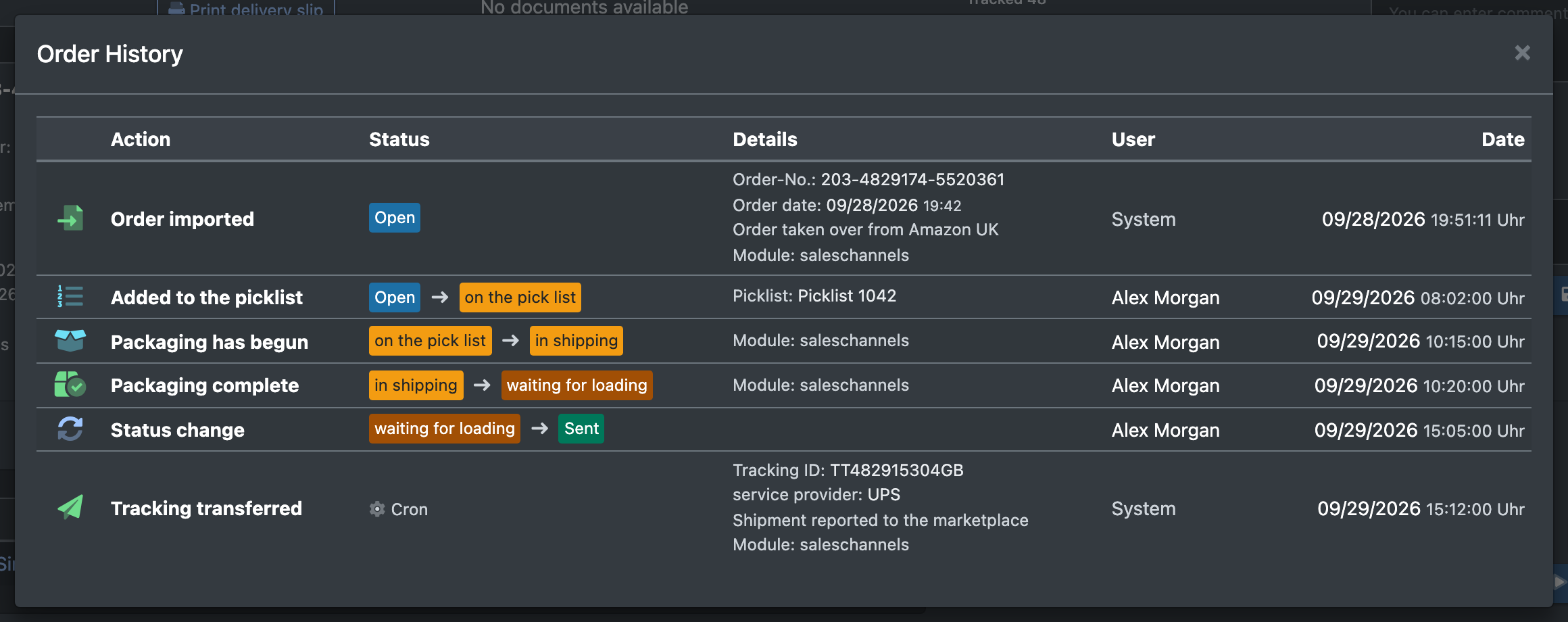
- Every report appears in the order history: Tracking transferred (Tracking übertragen), Storno übertragen (cancellation transferred) or Retoure übertragen (return transferred).
Step by step: stop an order the marketplace cancelled too late
- You receive the Telegram message that the order was cancelled on the marketplace but is already being processed.
- Stop the order in the warehouse (take it off the picklist, do not ship it).
- Cancel the order in X-Sitter – see Cancel or delete an order.
- The cancellation is reported back to the marketplace automatically with the next run.
Good to know
- To receive the error messages, set up Telegram notifications.
- If the marketplace rejects a report, the case stays open and is sent again with the next run. You receive a Telegram message with the error text.